Help

How to use the Aroga Network Portal

Learn as members of Aroga Network how you can share, exchange, sell and donate resources with other members .

Step 1
01 .

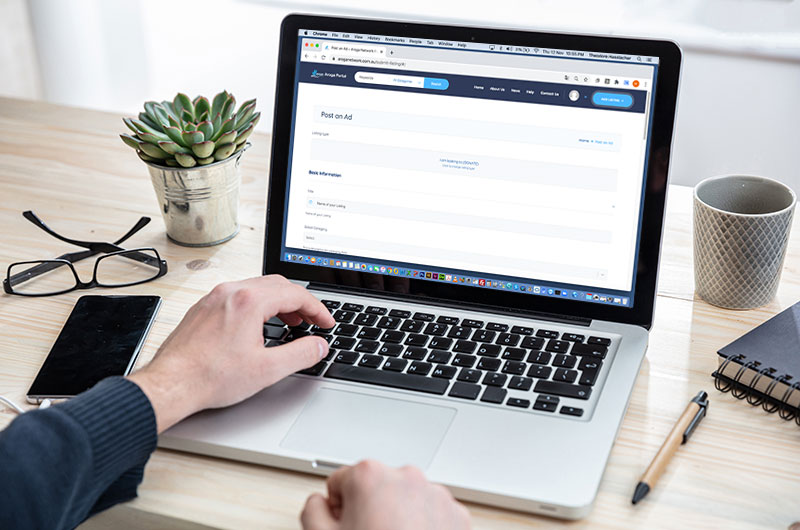
Post a Ad or Request

A place where you can post resources they want to share, exchange, sell or donate.

Also a place where we can find resources we are looking for.
Step 2
02 .

Contact poster by email or phone

The issue most we face is communication with other schools, communities and organisations in need.

Aroga Network goal is to fix that issue.

Step 3
03 .

Share, exchange, sell or donate

We hope that all everybody in our network can prosper by sharing, exchanging, selling and donating their resources.

Aroga Network.

FAQ

Explore some of the best tips from around the city from our partners and friends.

How do I post a listing

There are two ways to post a listing on Aroga Network’s portal.

  1. Click on the top corner button labeled “Add Listing”
  2. Go to your Dashboard and go to the left column where it says “Add New” 

A “featured image” is required with every listing, as it is the image that viewers will see when searching the Aroga Network Portal.

Yes.

You can load multiple images in the “Photo Gallery” section.

How long do the posts last

All posts last 30 days unless removed by the user or by Aroga Network administration.

You can put anything want to describe your listing as long as it not false, misleading or offensive.

Yes

You can select several categories that represent you listing so it can be easily found.

Join the Aroga Network

“To be an online community marketplace where schools, communities and organisations can prosper by helping each other.”

Sign In Aroga Network Portal

For faster login or register use your social account.

or

Account details will be confirmed via email.

Reset Your Password